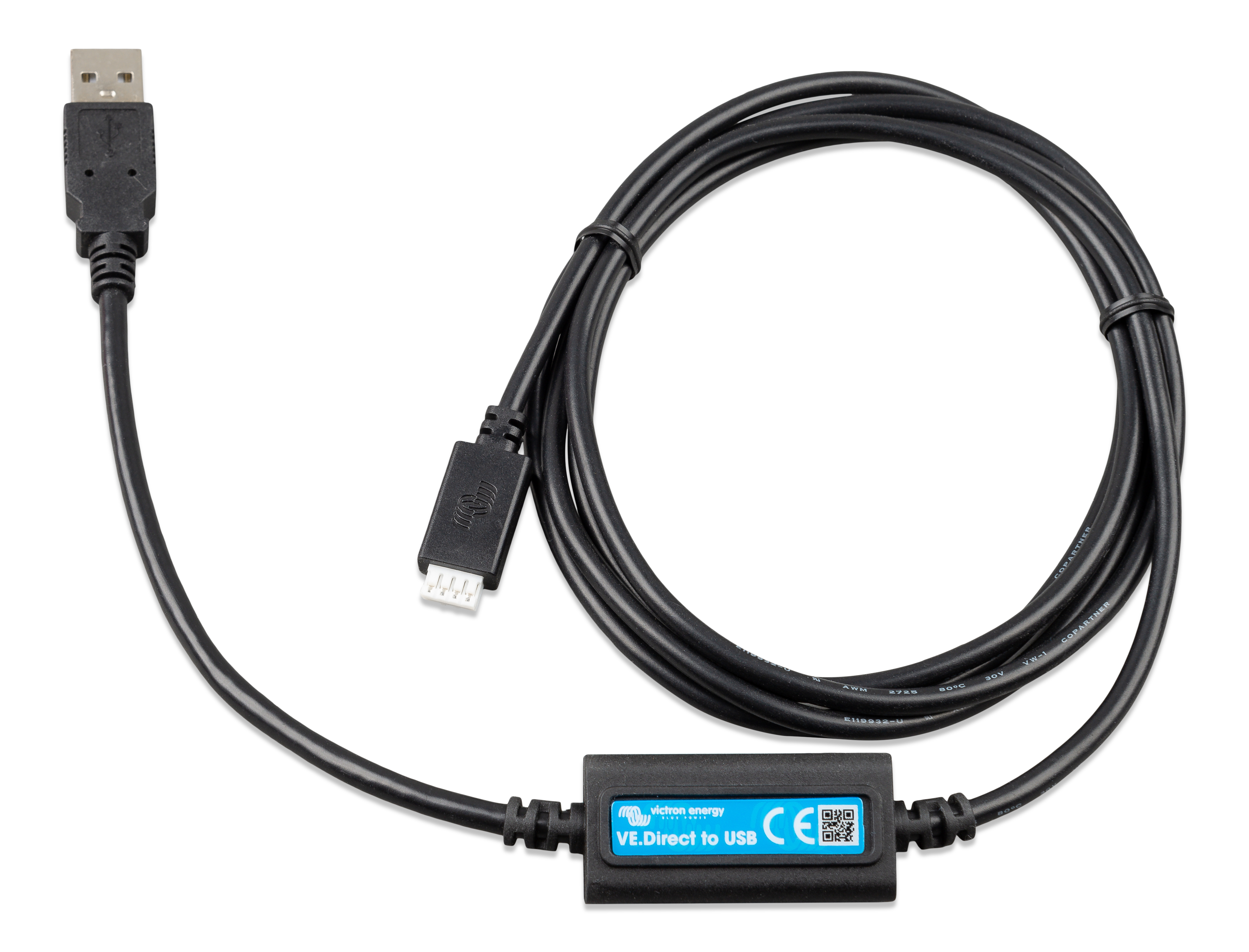
Victron Direct to USB interface
Enhance your energy management with the Victron Direct to USB Interface. Seamlessly connect your Victron inverter to any USB-enabled device for real-time data insights and efficient control. Designed for ultimate compatibility, this interface is Bluetooth enabled, allowing wireless communication with your smart devices.
Key Benefits:
- Easy USB connection for instant access to inverter data.
- Bluetooth enabled for remote monitoring and control.
- Boosts energy efficiency by providing real-time analytics.
- Compact and durable design, perfect for all settings.
Optimize your solar setup with this essential Victron accessory.
$13.08
Additional Information
The Victron Direct to USB Interface is an essential component for seamless communication with Victron inverters.
Technical Specifications
- Connection: Direct to USB
- Compatibility: Victron inverters with VE.Direct ports
- Dimensions: 45mm x 12mm x 25mm
- Weight: 30g
- Bluetooth Enabled
Practical Applications
- Monitor inverter performance through a computer via USB.
- Ideal for off-grid solar systems requiring remote data access.
- Use in RVs, boats, and solar-powered homes for efficient energy management.
- Facilitates data logging for performance analysis.
Unique Advantages
- Durability: Robust construction ensures longevity.
- Efficiency: Enables precise monitoring for optimal energy usage.
- Value: Offers a cost-effective solution for data access.
Compatibility Information
Compatible with all Victron inverters featuring VE.Direct ports, ensuring wide applicability.
What Makes This Product Stand Out
This interface allows for easy installation and straightforward operation, making it accessible for both professionals and DIY enthusiasts. The Bluetooth feature enhances connectivity, offering a modern solution to energy management challenges.
Frequently Asked Questions
Is the Victron Direct to USB interface compatible with all Victron products?
While the Victron Direct to USB interface is designed to function seamlessly with a wide range of Victron products, it is essential to verify compatibility with your specific model. Generally, it works well with Victron inverters and other compatible devices, enhancing connectivity and data transfer.
What are the installation requirements for the Victron Direct to USB interface?
Installation is straightforward. Simply connect the interface to your Victron device and a USB port on your computer. No additional drivers are typically needed for most operating systems, ensuring quick setup. However, always check the manual for specific instructions related to your system setup.
What is the warranty coverage for this product?
The Victron Direct to USB interface comes with a standard 5-year warranty, covering manufacturing defects and ensuring peace of mind. For detailed terms, refer to the warranty documentation provided with your purchase or visit Victron’s official website.
How does this interface perform in real-world conditions?
Real-world usage shows reliable performance in data transfer and device communication. It efficiently supports monitoring and control features via Bluetooth, providing a robust connection for managing your inverter systems.
What maintenance is required for long-term care?
Minimal maintenance is needed. Keep the interface clean and ensure connections are secure. Periodically check for software updates to maintain optimal performance and address any potential issues.